






Project: Code Visualizer
What I learned: Programming Structure and Coding Tools
Duration: 2 months
Age: 21
During my work at TMEIC I was challenged by large size of coding scripts. The learning curve was very steep due to their own proprietary coding language, as well as the complexity of the systems ( Typically over 50,000 lines of code ). Therefore in an attempt to better grasp the inner workings of the system I built a code visualizer for their custom coding language. My first attempt was a network graph,
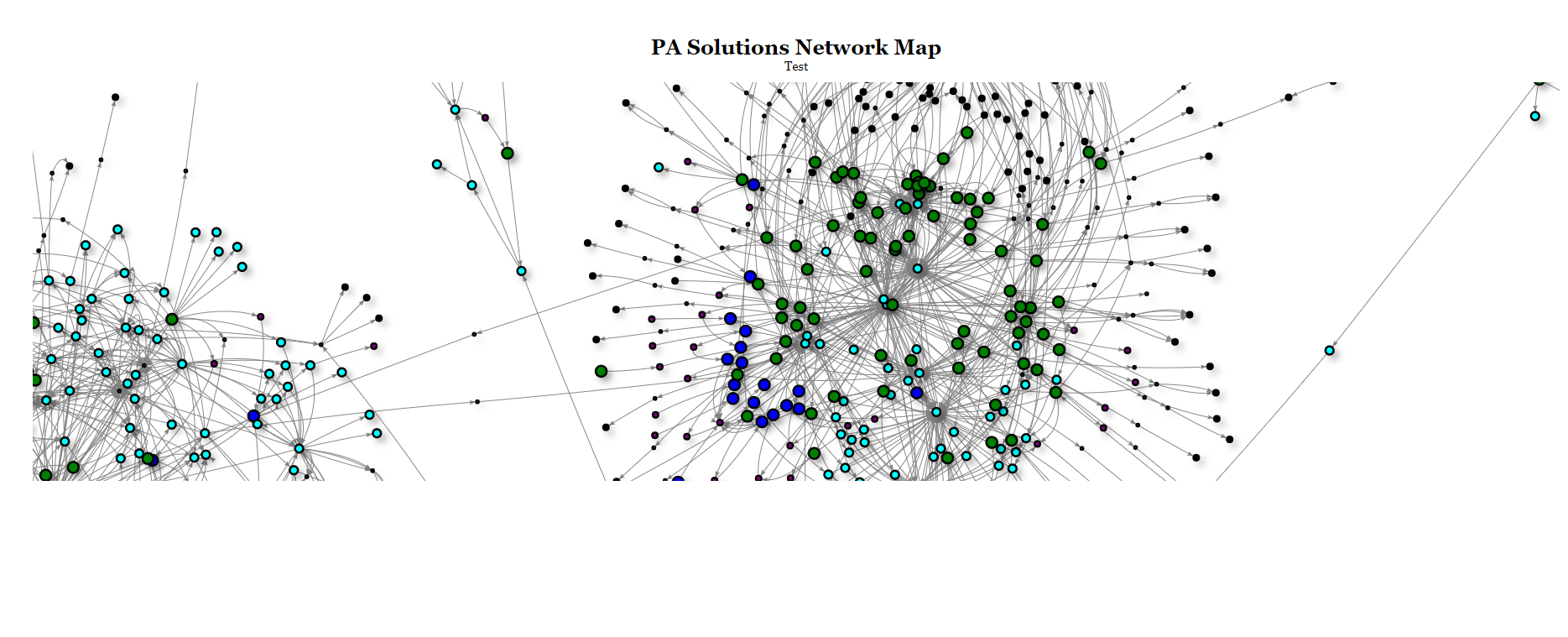

Although the network graph was very artistically inspired it failed to communicate how the system operated due to the complexity. I then created a custom GUI interface that shows the code as well as the “inputs” and “outputs” . This created an intuitive understanding of how the code flowed throughout the system so I called the GUI- “Code Flow”. Although this GUI was great for understanding the code, It did not provide a method to formally document the code for clients. Therefore I revisited the more graphic approach. I attempted to make a flow diagram of the system.

This was promising, but too cluttered to view the entire system in one diagram. Therefore I split the diagram according to sub-processes and created a flow diagram for each one. This was visual pleasing, easy to understand, and able to be formally documented for clients.
Some of the technical aspects of this project included:
Future Improvements:
Project: Mechanical Robotic Arm
What I learned: Disc Cams, and Reverse Kinematics
Duration: 2 days
Age: 21
This project focused on studying the feasibility of creating a robotic arm driven by a single motor. In industry robotic arms are often used because they offer greater flexibility than conventional equipment. But during my work at Dennis Group I noticed clients often used robotic arms in repetitive task (but the task was still unique so a conventional approach could not be used) . Therefore I explored the idea of creating a Robotic arm that was driven by a single motor with each of its joints driven by disc cams to offer dependent differential motion. The advantages to this design would be:
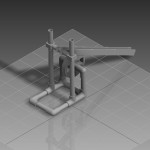
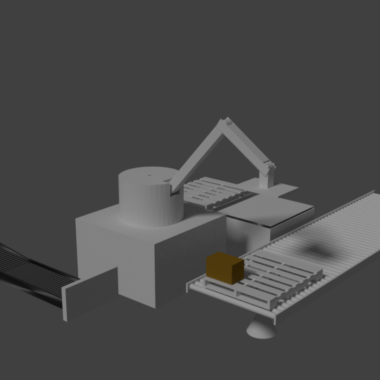
To determine if this was feasible, I created a virtual robotic arm given the repetitive task of creating pallets from cases. I then tracked each arms motion to determine the complexity. The virtual rig seen below had to:
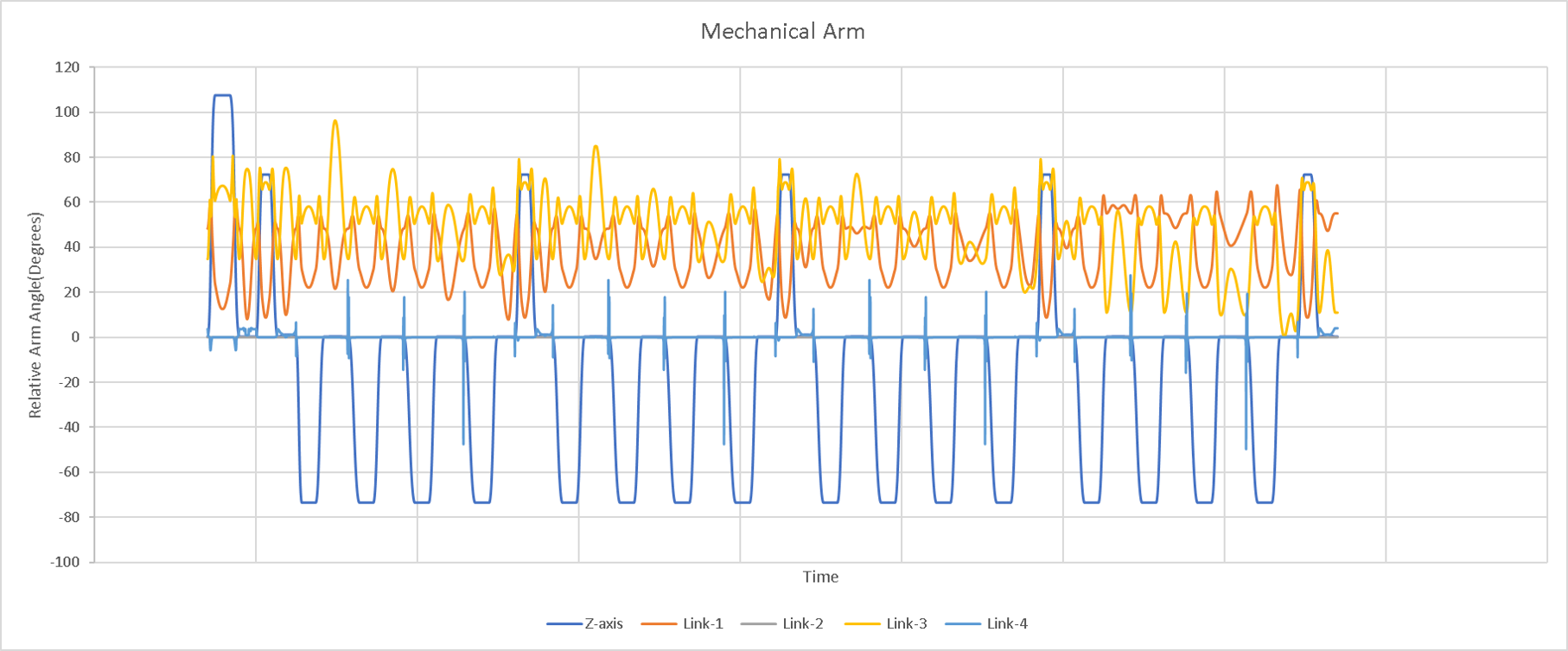
Plots of individual “Motors Angles” can be seen below. Note how although complex the motion is periodic and therefore suggest it would be possible to create a mechanism with a single drive.

Project: Wind Turbine Mass Vibration Absorber [School Project]
What I learned: Interaction of Spring Mass Dampers on Resonant Frequencies
Duration: 2 weeks
Age 20
The goal of this project was to understand the basic principles in a tuned mass damper and apply them to a real-world simulation.

Project: Drive-Thru Assist
What I learned: Hardware communication with Software
Duration: 3 months
Age 17
During my employment at Wendy’s I found it a struggle to detect when cars came through the drive-thru. Therefore I developed a sensor and a companion app to assist me. The app in now available on the play store! The sensor communicated with your phone via serial bluetooth. Watch the following video to learn more!

Project: Parking App
What I learned: API Resources
Duration: 8 months
Age: 20
This project focused on improving the efficiency of Virginia Tech Parking. The project was done in collaboration with the Parking App VT club, which has now become a startup! Two task were undertaken in this project, firstly build a sensor to detect occupancy of parking lots, secondly build an app to interface with this data.
Sensor Research and Construction:
It was determined that the most cost effective and reliable solution to detect parking lot occupancy was to use audio detection at the entrances and exits of the parking lot. This solution was determined after careful analysis of current parking solutions on the market and previous research (More information can be found in the powerpoint attached). A sensor was designed and constructed but not fully implemented due to termination of the club project. It was planned that a machine learning model would be constructed to classify the audio data from an array of microphones on the sensor.


App:
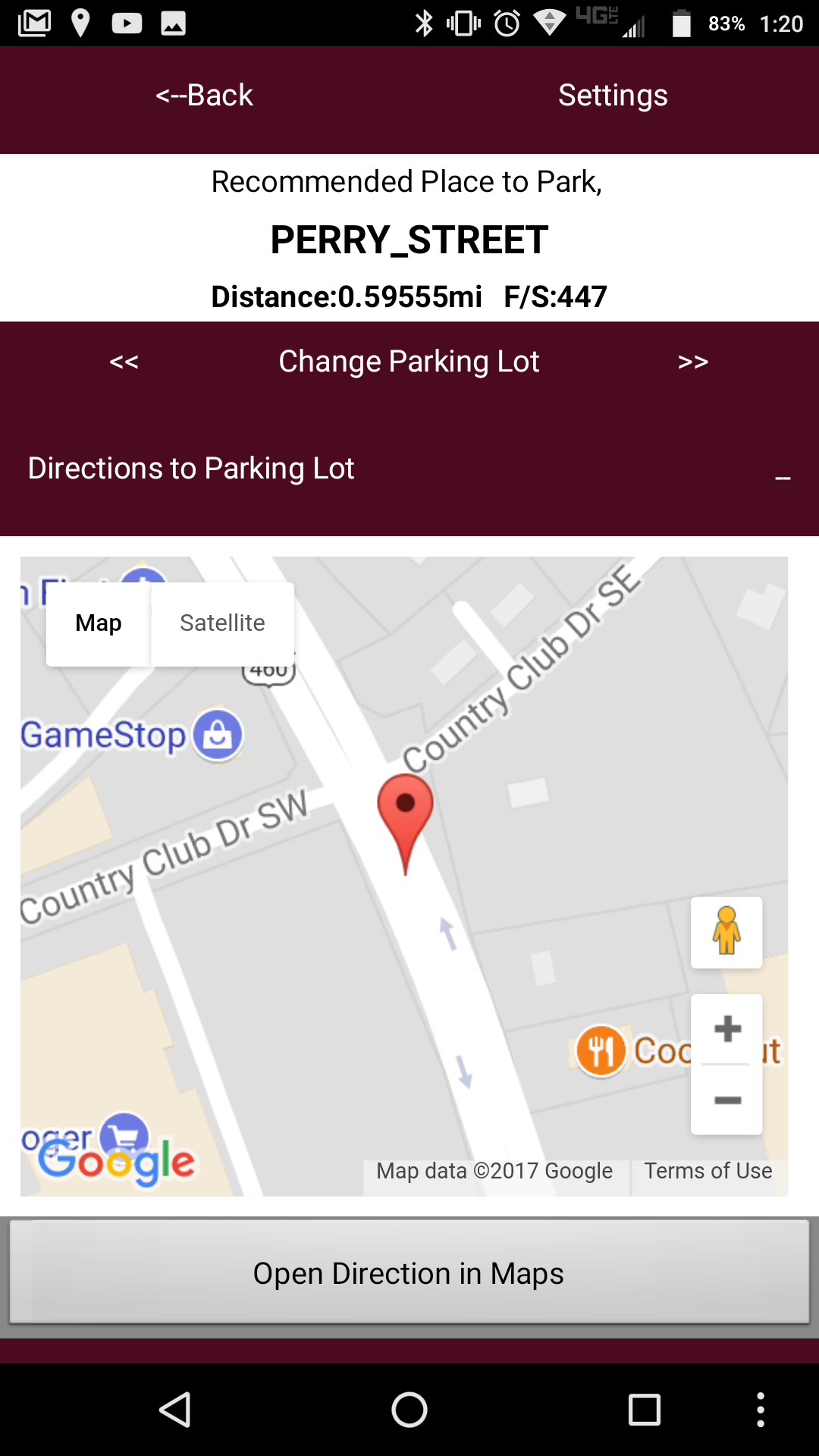
An app built with MIT app inventor was built to interface with the collected data. The app located the best parking lot to park based on the users location and parking tag. It then showed the user a map with directions to the parking lot, a plot of the occupancy (not implemented with real data) and a live webcamera of the parking lot if available. Because the system relied on live data colleted from sensors a backend was required to handle the request. The back end was built with google spreadsheets, google forums, and googel scripts. This allowed for a reliable,fast and most importantly free back-end for handling app request.


Project: Nickel Board
What I learned:Wood Working
Duration: 3 days
Age 18
Quick little project to become more familiar with common wood working tools and laser cutters. Learned to work with hand planar, belt sander, jig saw, and miter saw. Computer aided design manufacturing (like 3d printers and cnc machines) are easier to be more precise but seem to limit creativity as hand tools are more difficult to manipulate and therefore force you to be more creative in designing your product.

Project: Accurately Model a Pearl Snare Drum
What I learned: Parametric Work flow
Duration: 2 months
Age 18
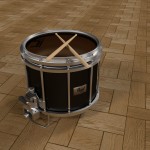
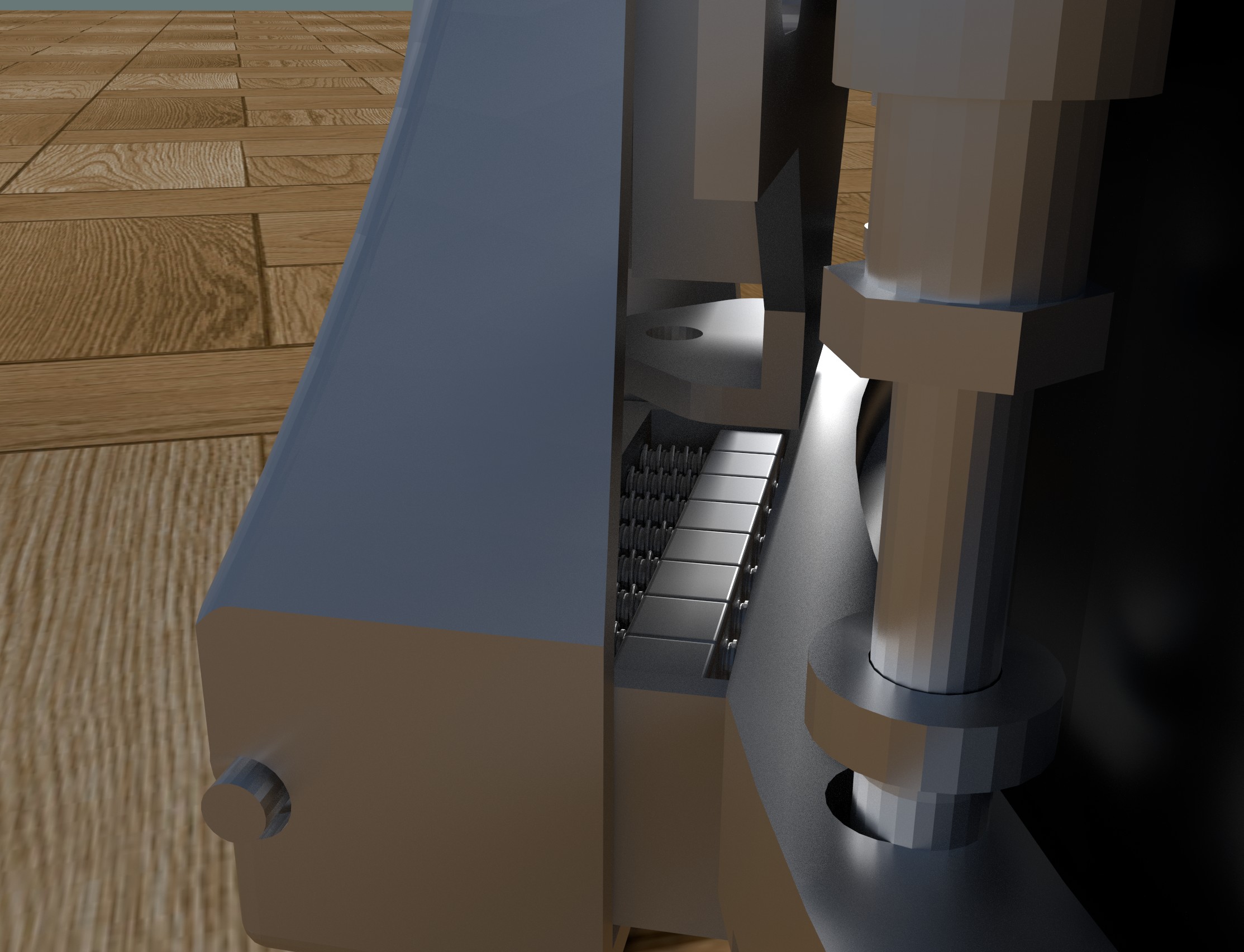
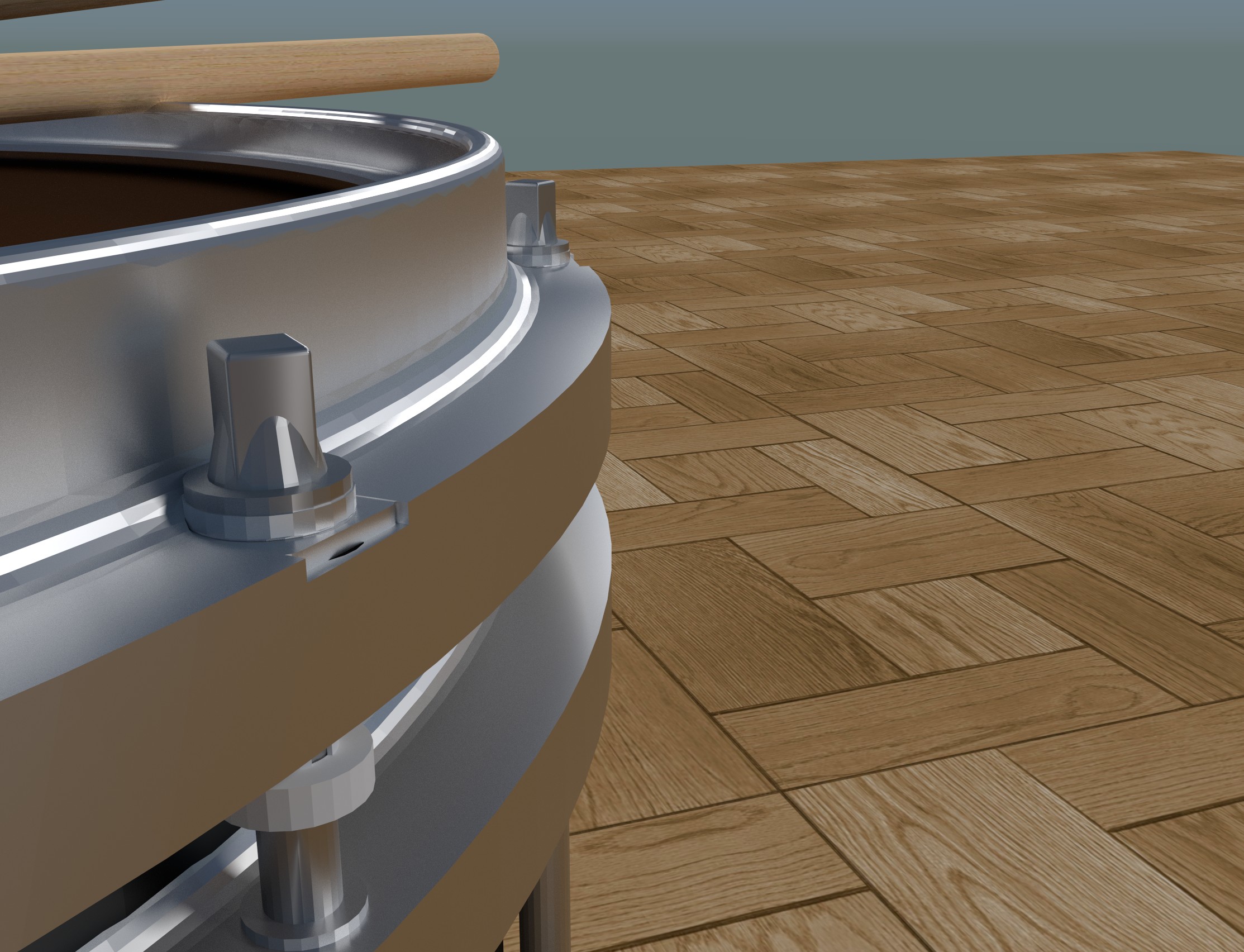
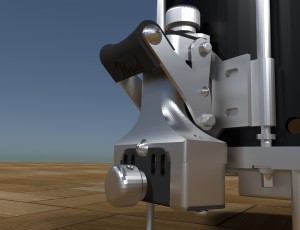
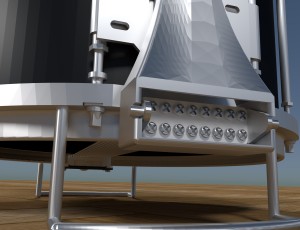
The objective was to model a 1:1 scale replica of a Pearl Snare Drum. The project was divided among four team members, I was in responsible for the lock mechanism attached to the strings (As seen below). During the project I learned the importance of a flexible workflow. For example, if after closer inspection the radius of a screw was .25in and not .3in then with Inventor it is possible to change this dimension without affecting the rest of the part. The model was exported to a 3rd party render engine to achieve more realistic results. But because of the complexity of the model the vertex count had to be limited resulting in rectangular curves. Check out this power point for the modeling process!

Project: Build a small, precise, and accurate catapult.
What I learned: 30 minutes of fine tuning can make all the diffrence
Duration: 4-5 months
Age 17
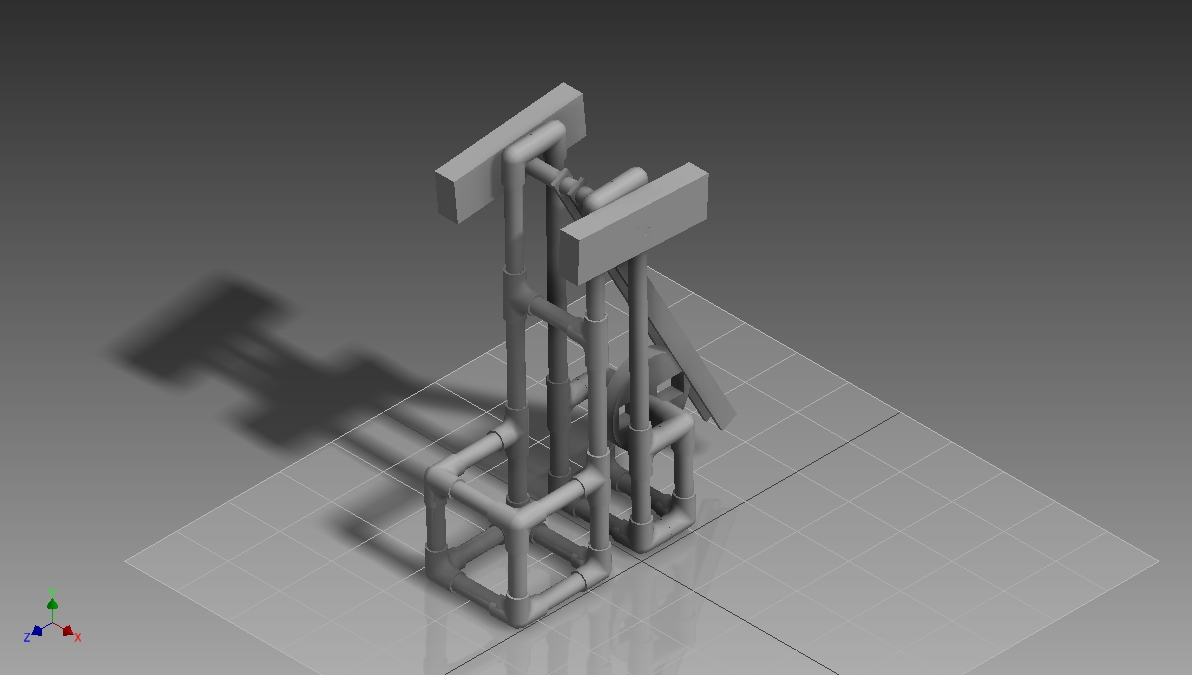
This was a school project with two other members, Brendan Berkel and Josh Gudeman. The goal of the project was to create an accurate/precise catapult within a specific set of constraints. The project was a success, but just barely. Several days before the presentation the slides kept getting stuck, but after a few hours of minuscule fine tuning, it worked like a charm. The project also required a technical report with great detail about the construction and testing of the device. Please take a look, its a great read!



Project: Build an autonomous, path following robot
What I learned: Understand your constraints, and simplify
Duration: 2-3 months
Age: 16
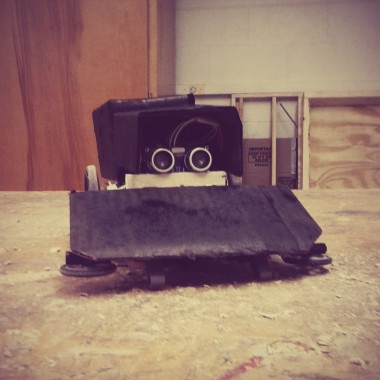
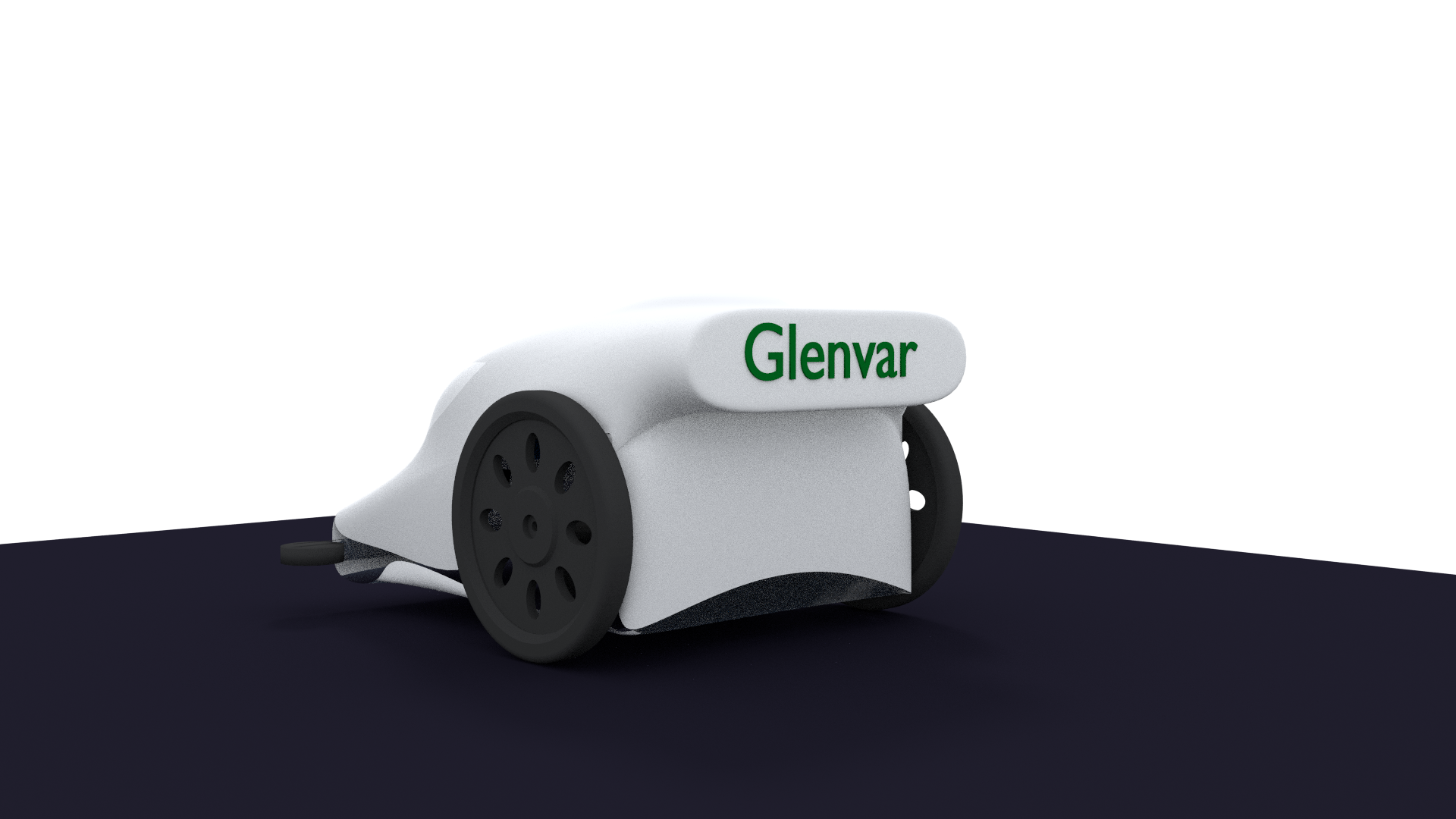
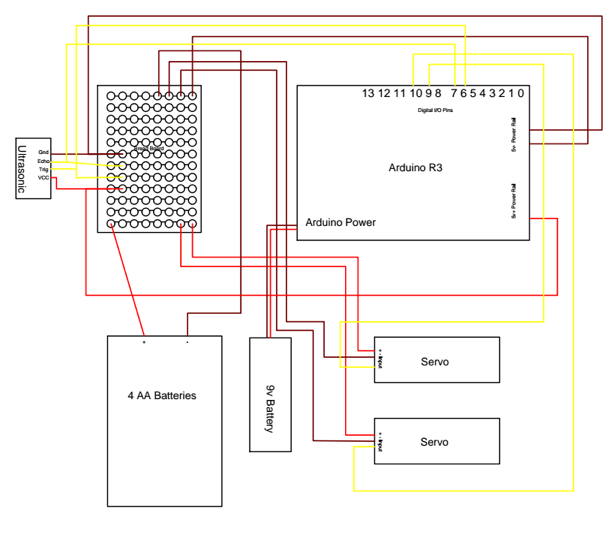
This was my first gander into the world of electronics and micro controllers. I participated in a competition with a team of about 5. The goal was to race around the track as fast as possible while avoiding obstacles. While most competitors went with the direct route of following the black line, our team decided to use the perimeter of the track as a bumper guideline. This project was successful and much was learned about constructing, working as a team, programming in C++, 3D modeling and exporting to 3D printers. A in-depth, award winning technical report was created for the competition, if interested feel free to take a look!


Project: Create a short 3D animated film
What I learned: 1 minute of film represents 30 hours of work
Duration: 1 year
Age 16
This was my first serious attempt into 3D modeling, animation, cinematics, and editing. The story was set in a common video game that I enjoyed, “Minecraft”. A lot of the plot deals with game elements so that to those unfamiliar with the game would find the film confusing. The 3D landscape scenes were exported out of the game directly using a program “Mineways” then character animation and camera motions were created in free 3D modeling software, Blender. Originally I thought this to be a one or two month project but it quickly turned into a much longer project. There are probably at-least 200 hours of work invested in the film and another 100 invested in time consuming renders. During the first three months I animated by hand using “keyframes” but I soon learned of bvh motion capture files. Carnegie Melon released thousands of files which gave my characters much more natural and fluid motions. When I realized the huge time consuming renders I quickly learned the value of graphic cards. This helped significantly but there were many scenes that were estimated to take weeks to render! So render farms were the next solution. I set up a small render farm with about 4-5 computers. I then proceeded to attempt to try the same concept with my school computer lab with 35 computers. Although I anticipated good results they never materialized due to blocked network settings set by the school admins. After many of the scenes finished rendering they were fine tuned further with Sony Vegas Pro. Music, color correction, aspect ratio, and overlay text were all added.

Project: Create a 3D physics based video game
What I learned: text style and graphic style coding becomes disorganized quickly
Duration: 1-2 months
Age 15
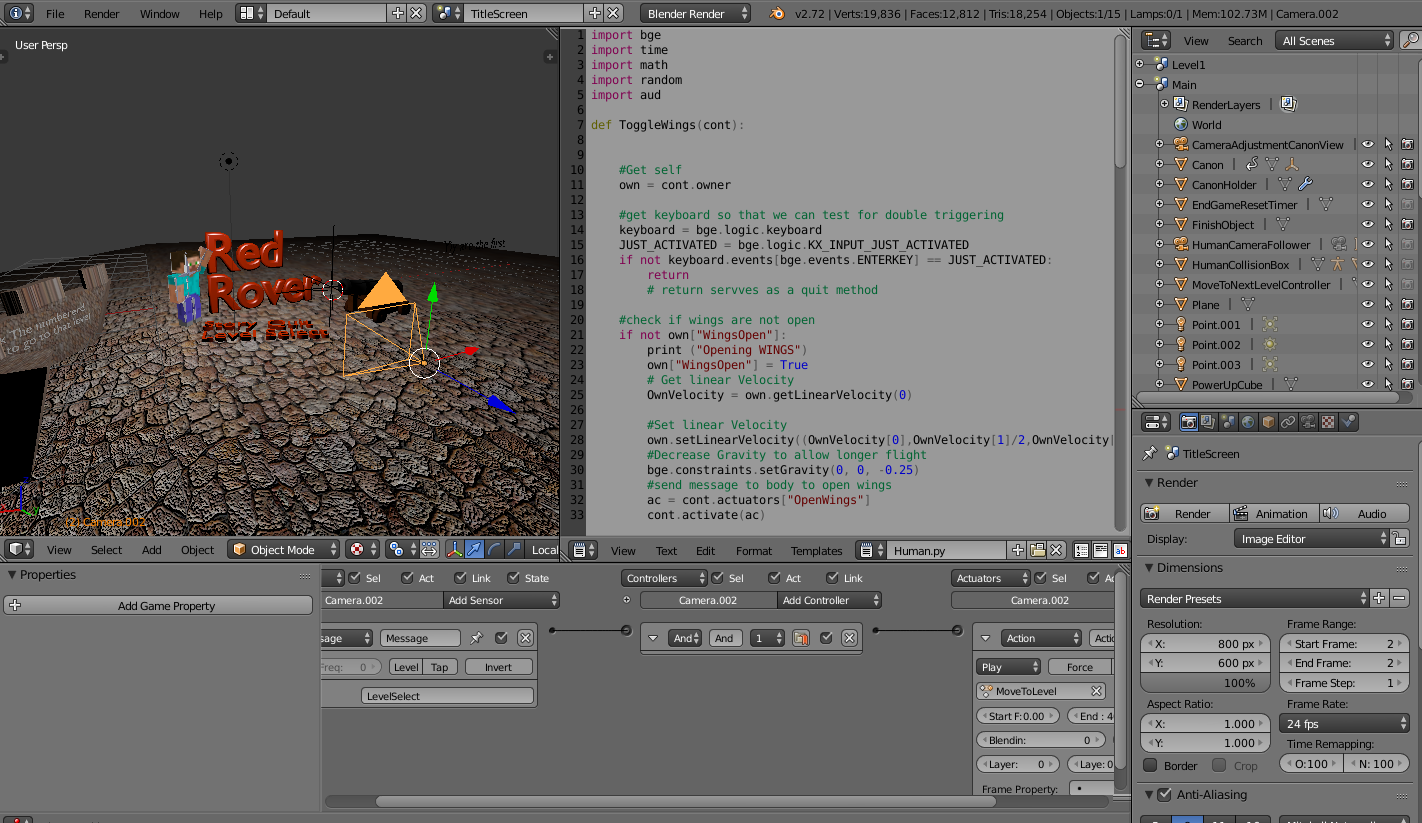
The game consisted of a Minecraft character being shot from a cannon with a wing suit in an attempt to reach his destination.This was the combination of what I knew, Python coding, and what I wanted to do, 3D + physics. Blender is an open source 3D modeling/prototype game engine program based mainly on Python. Blender also included “logic bricks” as an alternative to text style coding. In attempting to use both, the game got very disorganized and difficult to debug. The program Blender also had a very difficult learning curve taking me 4-5 months to become proficient. The game was an overall milestone in combining what I did know to learn more. Blender was a huge help in many upcoming projects, with smoke simulations, bullet physics, short films, and 3D printing/file exports.
Please Play! Click Here to Download

Project: Code a Python-based space video game
What I learned: Backup your backups
Duration 8 months
Age 13
This was my first seriously coded game. It was coded in Python and the PyGame library extension for graphics. The script was over a thousand lines, with hundreds of sprites. After about 6 months of work I had finished and was preparing to export it to an executable. But while attempting to do so the file was corrupted and 6 months work gone forever. This taught me the very important, but hard to learn lesson of backing up work. The next three months were spent reconstructing the game from scratch. Several important concepts were learned while constructing the game: classes, relative positioning with simulated 3D graphics, and artificial intelligence. The game was set in space in 2.5 dimensions. Alot of work went into camera and parallax movement (inspiration for this website) as this was coded from scratch because the graphics library did not include this. The game was complete with a shop and different types of aliens. The game also has an artificial chat, although very primitive, it would learn slowly and remember from each session to improve.
Click Here To Watch Game Preview
Hey, my name is Josiah Eichelman, I currently am a Senior at Virginia Tech. I am pursuing a degree in Mechanical Engineering. I am looking for full time position in Mechanical Engineering. I love to solve problems, let me solve yours! Really, hire me now, and lets solve the world’s problems!